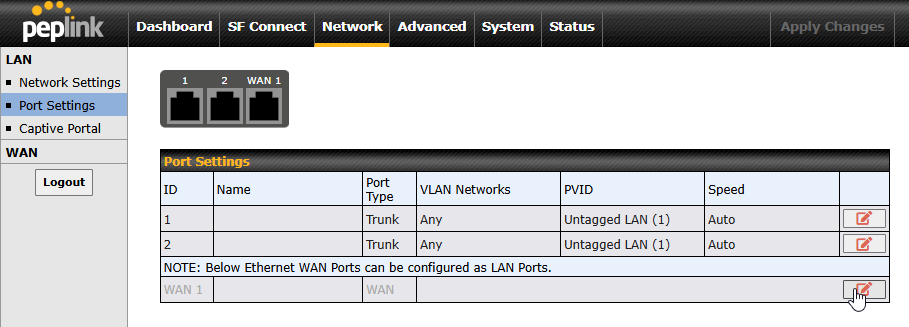
To turn a WAN port into a LAN port, navigate to the Network Tab, and the Port Settings page on the left.
There, click the edit button for the WAN that you want to use as a LAN port.
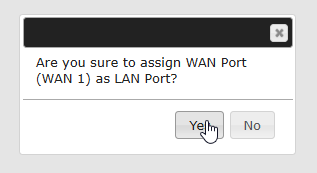
Confirm that you want to use the WAN port as a LAN.
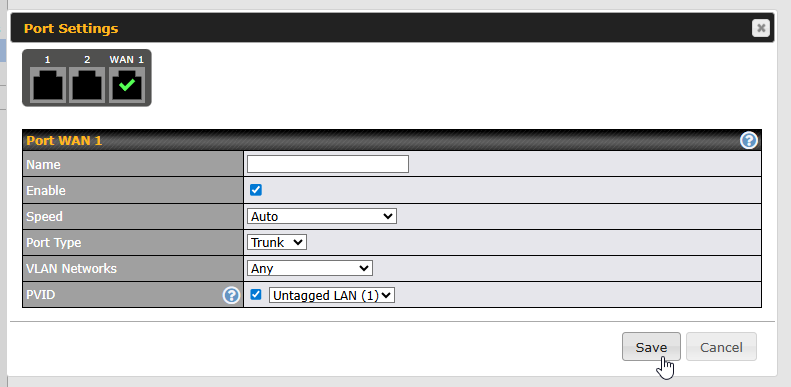
Configure the port details as needed, and save the changes.
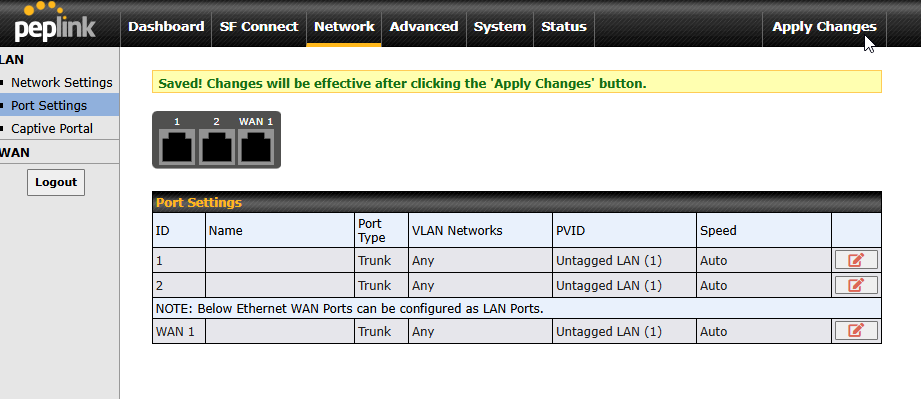
Finally, apply the changes using the button in the upper right.
To revert the port to a LAN port, from the port settings, uncheck the Enable option of the WAN port and save
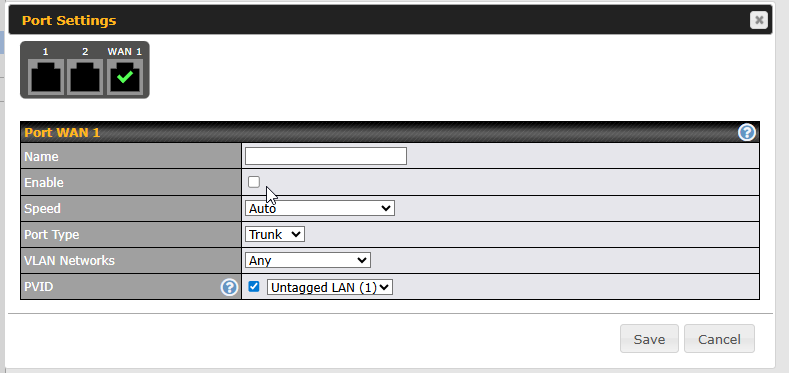
Then apply changes.
Was this article helpful?
That’s Great!
Thank you for your feedback
Sorry! We couldn't be helpful
Thank you for your feedback
Feedback sent
We appreciate your effort and will try to fix the article